
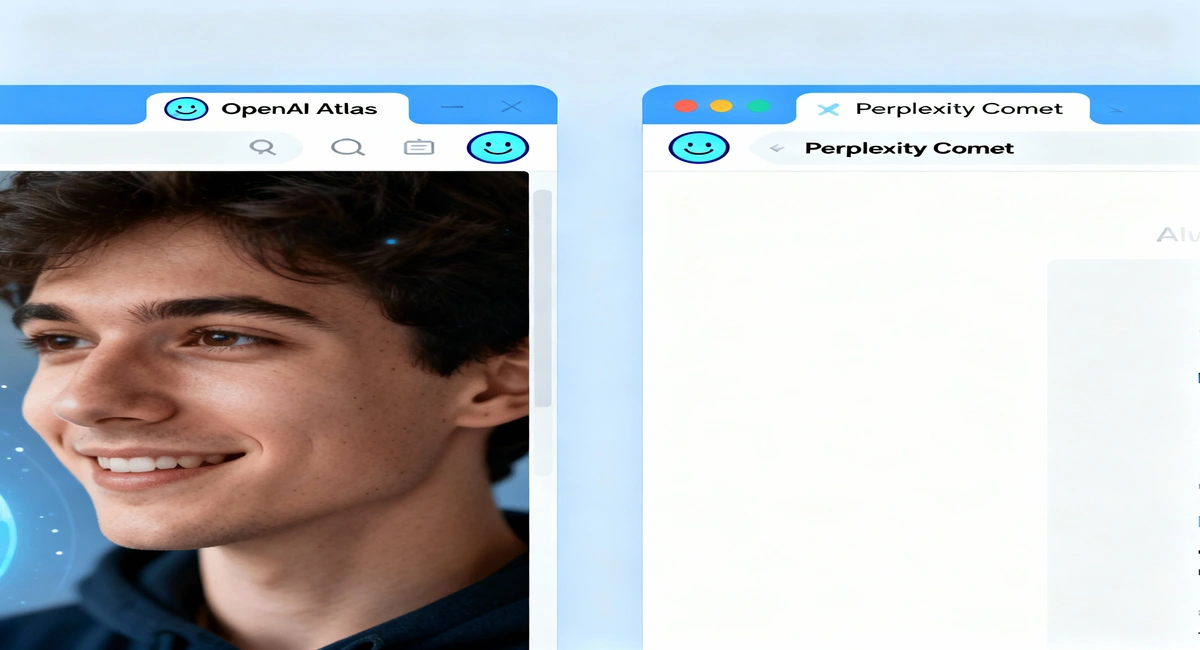
The internet has entered a new generation of browsing with two major AI-powered browsers leading the charge — OpenAI’s Atlas and Perplexity’s Comet. Both are redefining how people use the web, turning ordinary browsers into intelligent assistants that understand your intent, summarize information, and even perform tasks for you.
OpenAI Atlas: The Assistant-First Browser
Atlas is OpenAI’s bold step into the world of web browsing. Imagine your browser and ChatGPT rolled into one — that’s what Atlas offers. Instead of typing search queries or juggling multiple tabs, you interact directly with an AI that can understand the context of the page you’re on and help you act instantly.
For example, if you’re reading an article about travel destinations, you can simply ask Atlas, “Plan a 5-day trip to one of these places,” and it will generate an itinerary, compare flight options, and even find hotels — all in the same window.
What Makes Atlas Stand Out:
- A built-in intelligent chat assistant that interacts with any website
- Instant summaries of articles and research pages
- A “memory” that recalls what you looked up before
- Voice and text commands for multitasking
Advantages of Atlas:
- Great for productivity and automation
- User-friendly with a conversational interface
- Perfect for multitasking without tab clutter
Disadvantages of Atlas:
- Some privacy concerns due to integrated memory
- Heavy system usage for lower-end devices
- Full features available only to premium users
Perplexity Comet: The Precision Browser
Comet is designed as a knowledge-focused browser that puts accuracy and research first. It doesn’t just fetch websites — it helps you understand them. Users can highlight information, get quick summaries, and even receive citation-based answers to ensure what they read is credible.
For instance, while reading a long government report, you could ask Comet, “Summarize the main policy changes and list the related departments involved.” In seconds, Comet breaks it down in plain language with linked sources.
What Sets Comet Apart:
- Contextual summaries and citation-based answers
- Smart tab organization and note-taking features
- Streamlined research mode for academics and journalists
- Ad-free experience with built-in blocking tools
Advantages of Comet:
- Precise, source-backed results
- Excellent for professionals and researchers
- Intuitive layout and advanced data tools
Disadvantages of Comet:
- Limited free access; premium plans are costly
- Slightly slower for casual browsing use
- Focused more on information, less on creativity
Comparison at a Glance
| Feature | OpenAI Atlas | Perplexity Comet |
|---|---|---|
| Focus | Productivity & automation | Research & accuracy |
| AI Engine | ChatGPT | Perplexity Engine |
| Summarization | Built-in instant summaries | Detailed with citations |
| Cost | Free with premium options | Paid with limited free version |
| Best For | Everyday users, multitaskers | Researchers, professionals |
| Drawback | Privacy trade-offs | High subscription cost |
Which Browser Should You Choose?
If you want a browser that feels like a digital assistant — managing mails, browsing, and planning your day — Atlas is the ideal pick. It’s smooth, intuitive, and designed for everyday users.
However, if your work relies on reliable references, detailed summaries, and data-driven searches, Comet will serve you better. It’s a researcher’s dream — smart, transparent, and trusted. In simple terms, Atlas is your “doer,” while Comet is your “thinker.”
Frequently Asked Questions (FAQs)
1. What is OpenAI Atlas?
OpenAI Atlas is an AI-based browser that blends ChatGPT directly into the browsing experience, allowing users to chat, summarize, and automate tasks without switching tabs.
2. What is Perplexity Comet?
Perplexity Comet is an AI browser focused on research and information accuracy, providing source-cited summaries and in-depth answers to user questions.
3. Which browser is faster — Atlas or Comet?
Atlas performs faster in real-time multitasking, while Comet is optimized for processing and summarizing academic or long-form content.
4. Is Atlas free to use?
Yes. Atlas offers a free version with optional upgrades for additional features like Agent Mode and cloud memory.
5. Who should use Comet?
Comet is best suited for journalists, students, and professionals who value reliable references and precise research summaries.
6. Can these browsers replace Chrome or Safari?
Both are designed to go beyond traditional browsers, though many users may still use them alongside popular browsers during the transition period.
7. Which one focuses more on privacy?
Comet has stronger emphasis on user privacy and data protection, while Atlas prioritizes functionality and versatility.
8. Can AI browsers really make browsing easier?
Yes. AI browsers reduce effort by summarizing pages, managing data automatically, and assisting with tasks in real-time — making browsing more interactive and efficient.
Leave a Reply